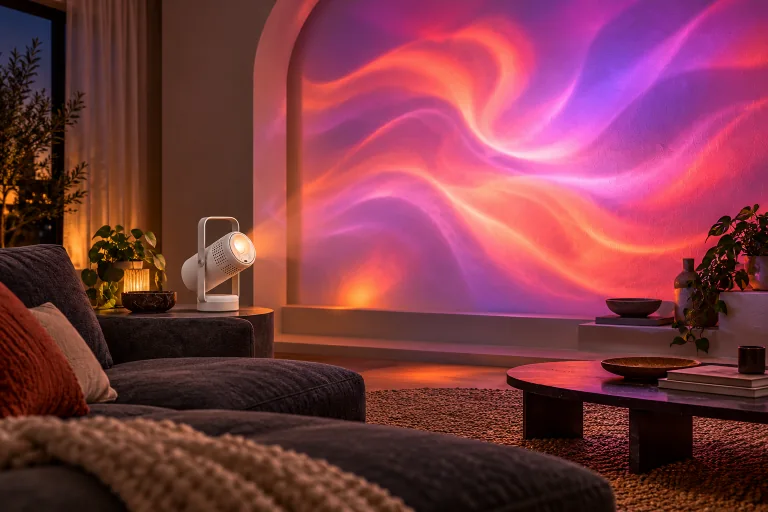
FOR YOUR NIGHT IN
A different kind of cosy.
Give familiar surroundings a whole new feeling with light and colour.
Featured product · Projection Mapping Projector
Your projector. The mapping software. A library of ready-made visuals. One complete kit.
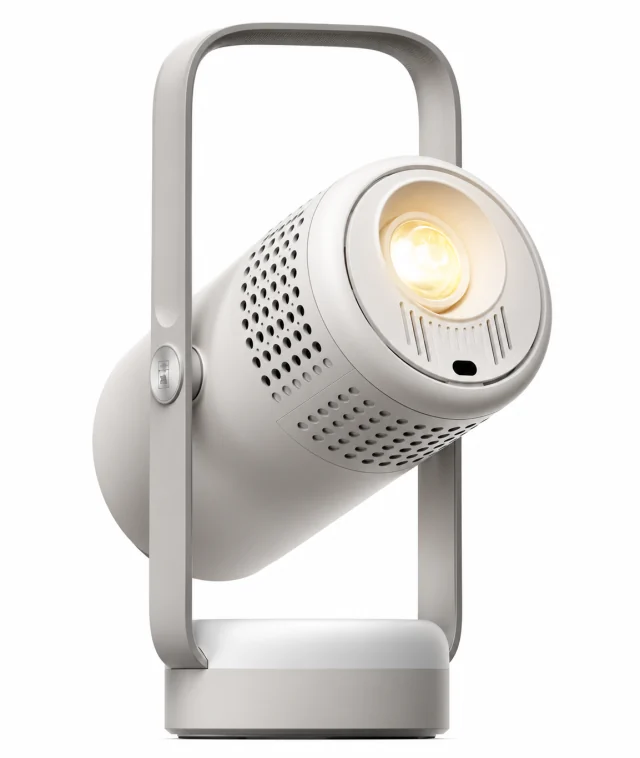 THE PROJECTOR
Mapping example uses a different device and setup.
See all mapping examplesSee the possibilities
Walls. Shapes. Unexpected surfaces.
See projection mapping in real spaces.
Supplied mapping examples use different devices and setups. They show creative possibilities, rather than tests of this projector.
Projector, mapping software and library included.
Get the complete kit — £39.99 ↗One kit · Three essentials
Get the projector together with its creative tools. Scan the QR code on the back to access the included mapping software and content library.
A few more things to know ↓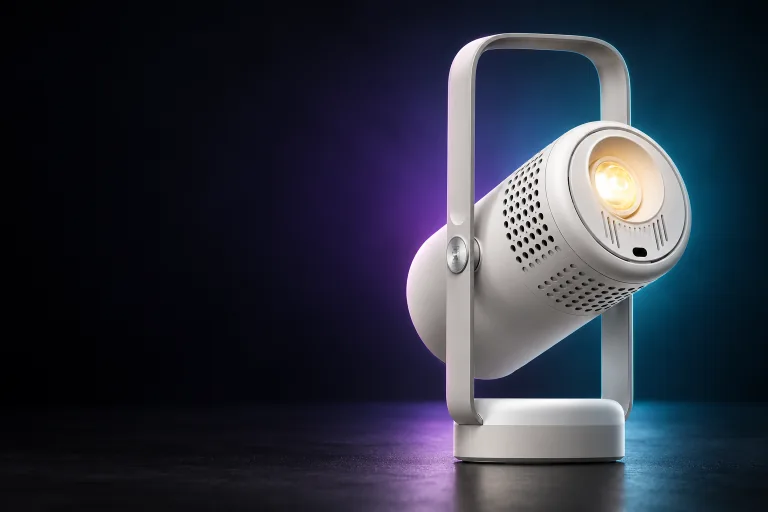
The focal point of your projection setup.
Position and align your visual composition.
Ready-made visuals to start exploring.
QR on the back · Delivery in 5–8 days
More than one way to make it yours
A quiet night in, a creative corner or a new visual experiment. Follow the idea that feels like you.
Give familiar surroundings a whole new feeling with light and colour.
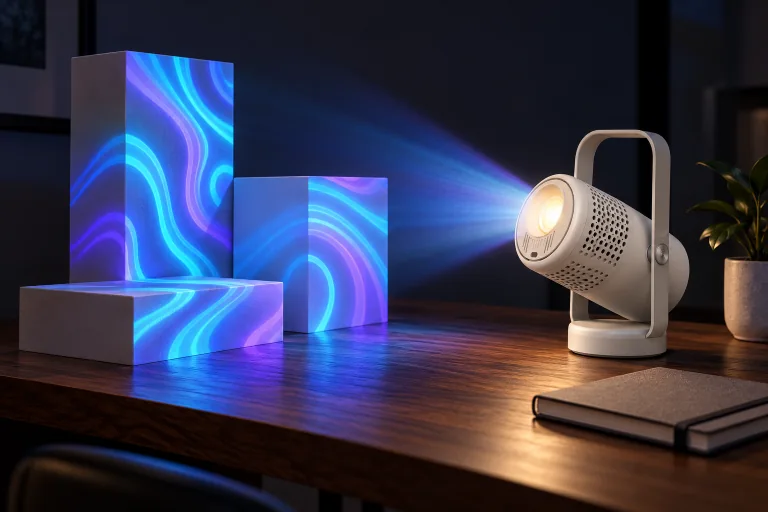
Explore surfaces, compose a scene and see familiar objects from a new angle.
Lifestyle images are visualisations for inspiration. The included content library may contain different visuals.
Padwalker Studio · Software + content library included
Choose the animation you like, then shape where it appears. Scan the QR code on the back of the projector to access the included tools.
Start with the included library.Use ready-made visuals as the starting point for your first design.
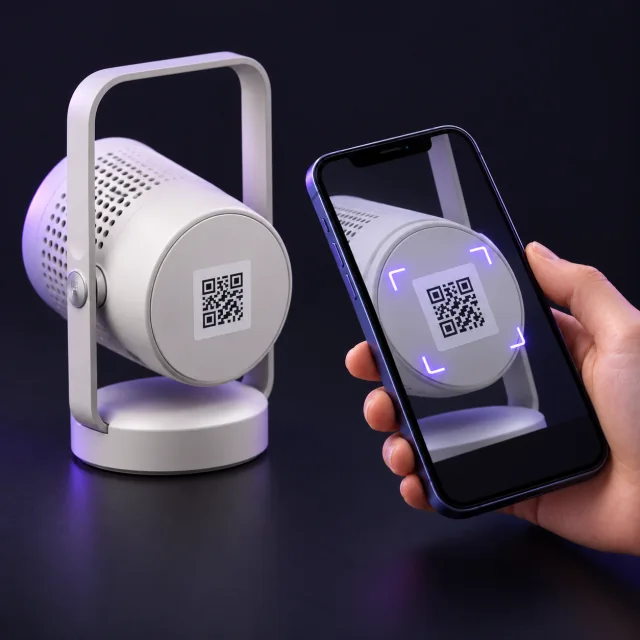
GET ACCESS
Open your phone’s camera, point it at the QR code on the back of the projector, then open the link. Follow the access instructions for the included mapping software and content library.
Find the QR sticker on the back of your projector.
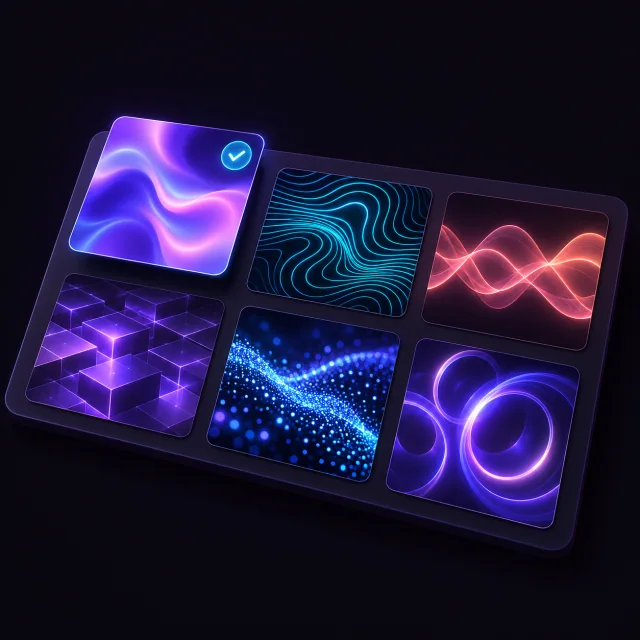
CHOOSE THE CONTENT
Choose an animation from the included library. For your first design, start with one visual and one simple surface, such as a flat wall or the front of a box.
The animation gives you the colours and movement.
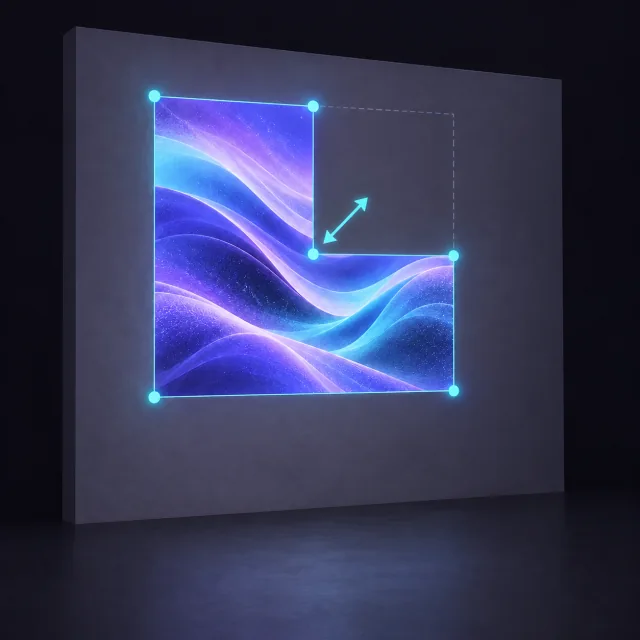
SHAPE YOUR DESIGN
In the mapping software, define the area you want to illuminate. Adjust the visual’s size, position and outline so it follows the shape of your chosen surface.
Mapping defines where the visual appears.
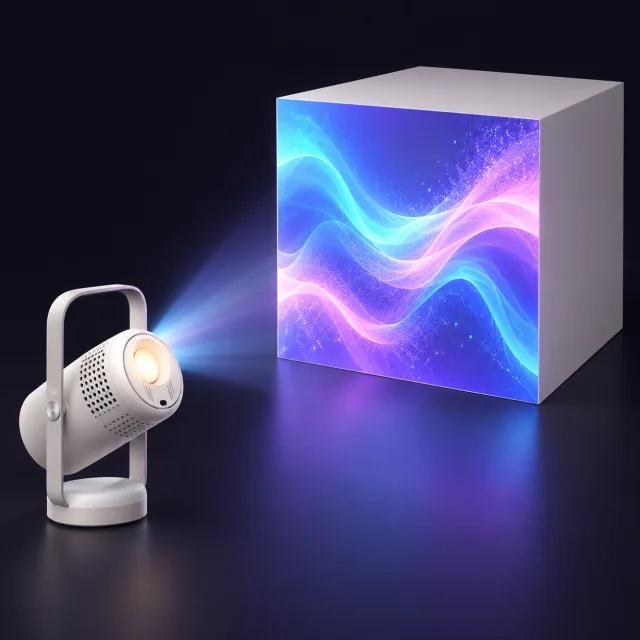
CHECK & PROJECT
Follow the supplied setup instructions to connect your playback device to the projector. Check the alignment on your surface, make any final adjustments, then start your animation.
Device connections and controls follow your software’s instructions.
Scan it to access the included mapping software and content library. For help with access, email support@padwalker.com.
Illustrated guide. Artwork is shown as an example; follow the setup instructions supplied with your order for device compatibility, connections and software controls.
Before you make it yours
Still have a question? Our team can help.
Ask us a question ↗Projection mapping uses software to align projected visuals with a surface or an object's shape. Instead of treating your surroundings as a flat screen, you compose visuals around the surface itself.
Yes. The offer includes the projector, mapping software and content library. You access the software and library using the QR code on the back of the projector.
Start with a ready-made animation from the included library. Use the mapping software to define its shape and position on your chosen surface, then check the alignment through the projector. Follow the illustrated four-step guide →
Open your phone’s camera, scan the QR sticker on the back of the projector and open the link. Follow the access instructions for the mapping software and content library. If you need help with access, email support@padwalker.com.
Estimated delivery is 5–8 days. For questions about a specific order, contact our team with your order details.
Your surface, ambient lighting, projector placement and alignment all affect the result. A dimmer space and a light-coloured surface can help the projected visuals stand out.
The product gallery includes the supplied product image. Room and studio visualisations illustrate creative ideas. The supplied mapping videos show examples with different devices and setups.
You can read our refund and cancellation policy before ordering. For help with your projector order, contact support@padwalker.com.
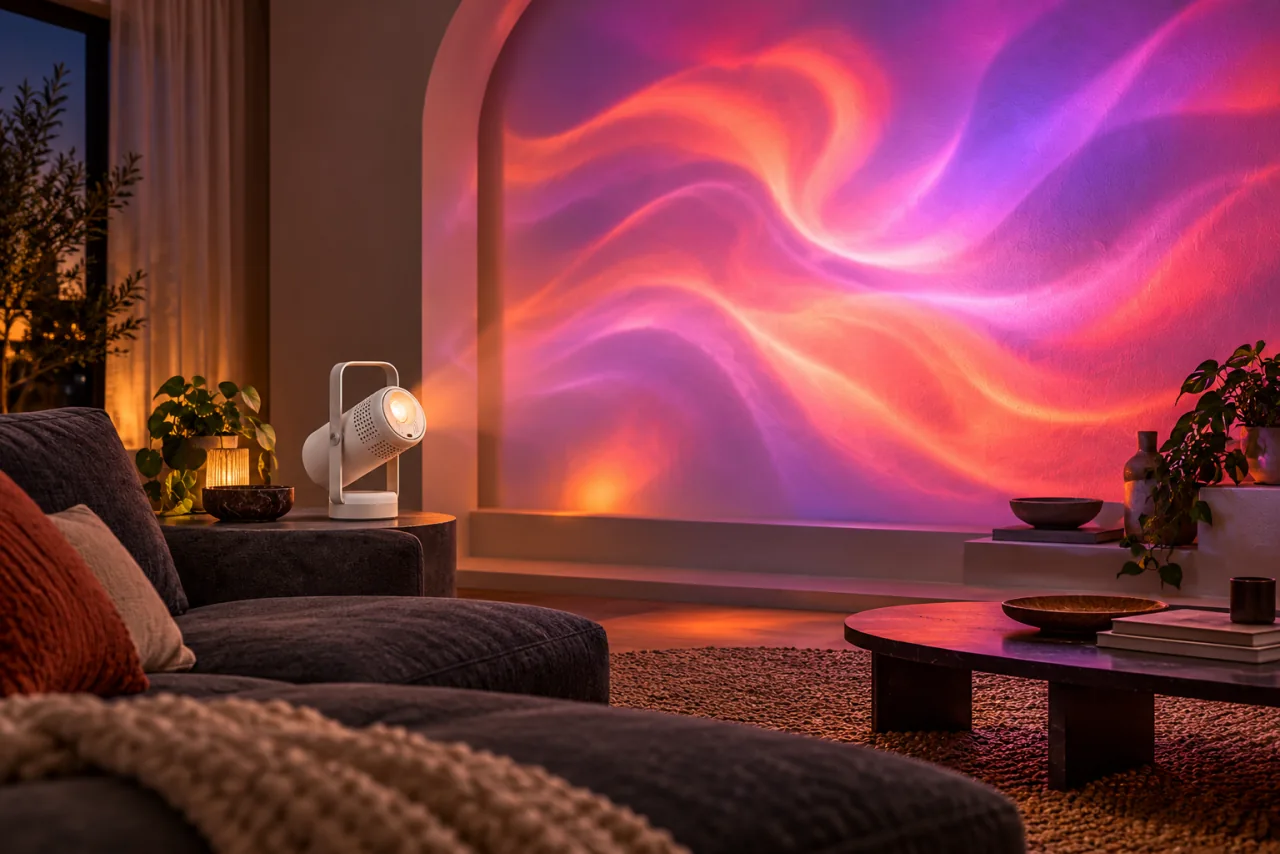
Your next night in starts with an idea
Projector, software and content library included.
Scan the QR code on the back. Delivery in 5–8 days.